

Struggling to get Facebook ads to work for your SaaS? It’s common to get stuck testing ads with poor results, burning through your budget without seeing real growth. The key isn't just copying ads; it's understanding the strategy behind them. This guide goes beyond a simple swipe file to break down high-performing SaaS Facebook ads examples, showing you the exact hooks, copy, and visuals that make them convert.
We'll give you a simple framework for each example. You'll get clear, valuable insights you can apply to your own campaigns today. Instead of just showing a screenshot, we break down what works, why it works, and how you can adapt the strategy for your product. This is a repeatable system for growth.
In this list, you'll find:
- Simple Breakdowns: We look at the ad creative, headline, copy, and call-to-action for top SaaS brands.
- Strategic Insights: Learn the marketing principles that drive sign-ups for B2B and B2C software.
- Actionable Takeaways: Get simple tips to launch your own high-performing campaigns right away.
Let's dive into the SaaS Facebook ads examples that are working now and learn how to build campaigns that deliver results.
1. Proven SaaS
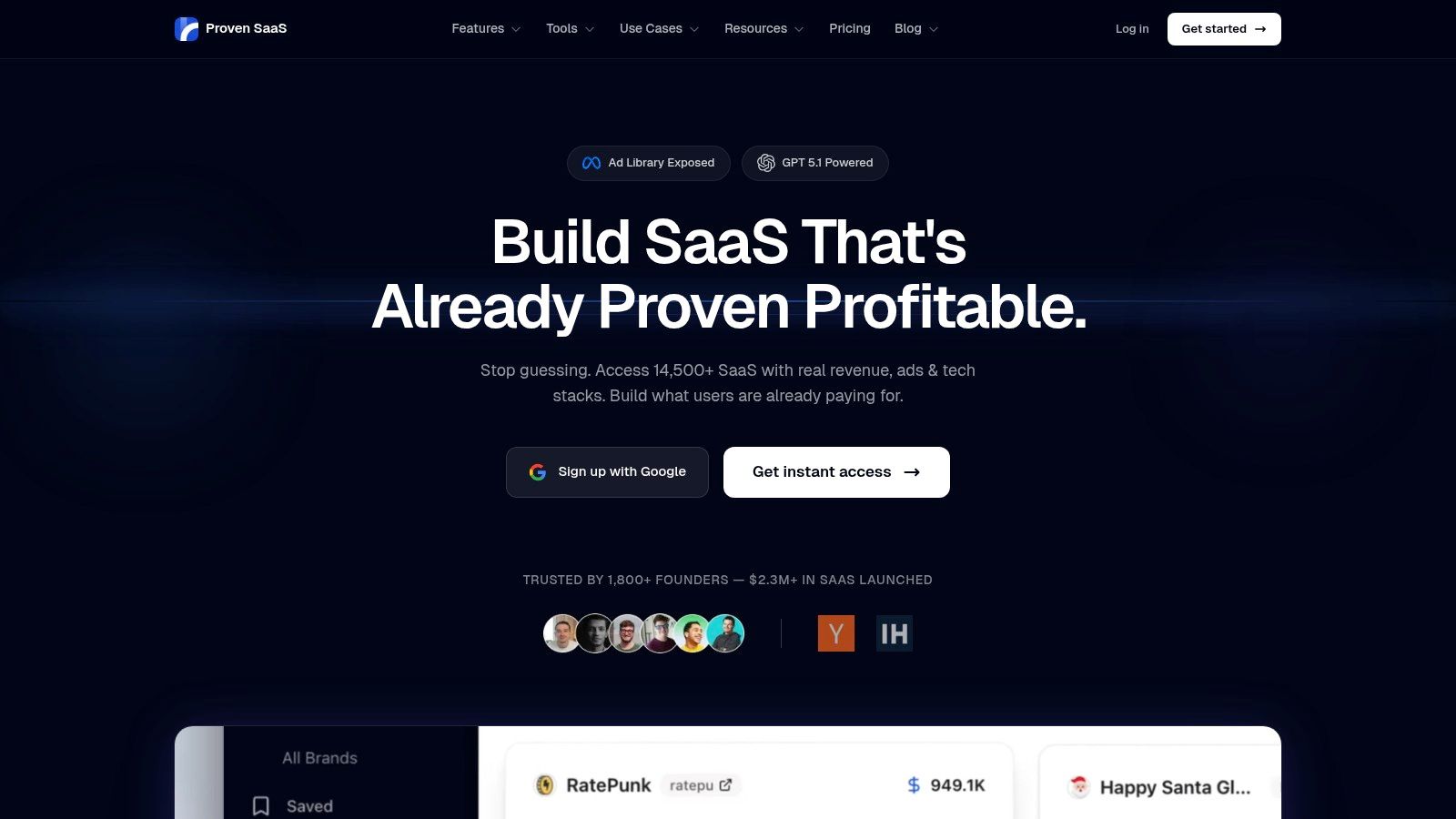
Proven SaaS is a great resource not just for viewing saas facebook ads examples, but for understanding the business strategy behind them. It’s an ad intelligence platform made for software founders. Instead of just showing you an ad, it connects that ad to company data like estimated revenue, helping you see what’s working in the market.
This platform is more than a simple ad library. It finds SaaS products that are already making money through paid ads. It does this by scanning Meta’s Ad Library and using AI to match ads with the right companies. This turns a messy feed of ads into a clean, searchable database of validated business ideas.
Why Proven SaaS is a Top Example
What makes Proven SaaS stand out is its focus on actionable validation. While other tools show you what ads look like, Proven SaaS tells you if those ads are likely building a profitable business. It focuses on advertisers spending over $10,000 per month, using ad spend as a strong sign of success. This saves you hours of sifting through weak or experimental campaigns.
The platform combines several research tools into one simple dashboard. Instead of using one tool for ad spying and another for market research, you can do it all in Proven SaaS. This helps founders move from idea to launch much faster.
Strategic Insight: Proven SaaS helps de-risk building a SaaS company. By focusing on competitors with high, steady ad spend, you are using their marketing budget as your market research. If a company consistently spends five figures a month on ads, it's a powerful signal that their business model works.
Key Features & Benefits
- Find Validated Niches: Quickly discover SaaS ideas with proven demand by filtering its database by estimated revenue, ad spend, and growth.
- Get Ad Intelligence: Analyze ad creatives and copy from successful campaigns to see what works.
- See Revenue Insights: Access AI-driven estimates for monthly and annual revenue to prioritize the best opportunities.
- Use an All-in-One Toolkit: Includes tools like an Ad Spend Estimator and Niche Validator, so you don’t need multiple subscriptions.
- Get Strong Social Proof: Trusted by over 1,800 founders, with case studies showing faster launches and better ad results.
Access and Pricing
Proven SaaS offers free tools to get you started. To unlock the full database and advanced features, you'll need a paid plan. Pricing options are shown after you create a free account, so you can choose the best fit for your needs.
Practical Tips for Users
To get the most from Proven SaaS, start with the Niche Validator using a broad keyword (e.g., "AI writer"). Filter the results for companies spending over $10k/month on ads. Dive into the top 3-5 competitors, analyze their best ads, and map out their customer journey. This gives you a validated blueprint for your own product in a single afternoon.
Website: https://proven-saas.com
2. Meta Ad Library (Official)
To find the best saas facebook ads examples, your first stop should always be the source: the Meta Ad Library. This is Meta's free, public database of every ad running on Facebook and Instagram. It’s the most accurate tool for competitive intelligence.
Instead of relying on third-party tools with potentially old data, the Ad Library gives you a real-time view of what your competitors are running right now. For SaaS founders, this is a priceless resource for understanding successful campaigns without spending any money.
Why It's a Go-To Resource
The Meta Ad Library is great because it's accurate and easy to access. Since it's Meta's own tool, the information is 100% reliable. You can see the exact ad creative, copy, and call-to-action any SaaS company is using.
Its main strength is showing a company's entire ad portfolio. You can see if they are testing different images, running video ads, or targeting different users with unique messages.
Key Takeaway: The Meta Ad Library is the most reliable source for seeing live SaaS ads. It's the official, unfiltered view of your competitors' strategies, making it the essential first step in any ad research.
How to Use It Effectively
Using the Ad Library is simple, but a smart approach helps.
- Search by Competitor: The easiest method. Go to the Ad Library, choose the "All Ads" category, and type in a competitor's Facebook Page name (e.g., "Notion," "ClickUp").
- Analyze Their Strategy: Look for patterns. Are they using customer testimonials? Do they prefer short videos or static images? What problems are they highlighting in their copy?
- Filter by Country: Use the filters to see if they run different ads for specific regions, which can reveal their localization strategy.
Here’s a quick summary of its features:
| Feature | Description | Benefit for SaaS Founders |
|---|---|---|
| Search by Advertiser | Find any Facebook Page and see all their ads. | Instantly spy on your direct competitors' ad strategies. |
| Keyword Search | Search for ads with specific terms like "project management." | Discover new or indirect competitors in your niche. |
| Country Filters | View ads targeted to specific geographic locations. | Understand how messaging changes for different markets. |
| Free Access | No subscription is required. | Conduct unlimited research without spending a dime. |
The main limitation is the lack of performance data—you can't see spend or conversion rates. However, if a SaaS company runs the same ad for several months, it’s a strong signal that it’s working well.
- Website: https://www.facebook.com/ads/library/
- Pricing: Completely free.
- Best For: Real-time competitive analysis and ad creative inspiration.
3. AdSpy
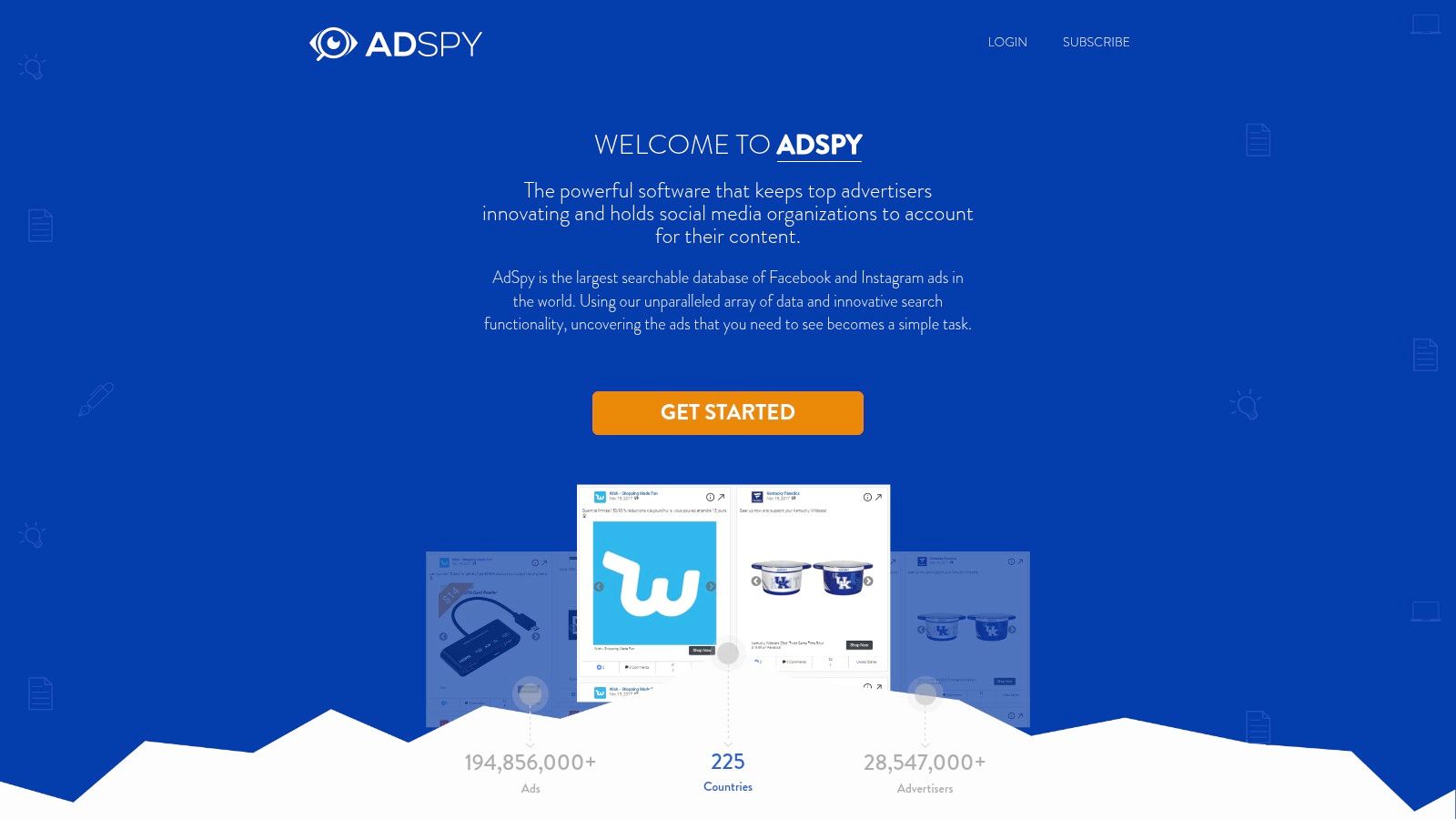
While the Meta Ad Library shows you what’s running now, AdSpy offers a huge searchable database of past and present Facebook and Instagram ads. This historical view lets you uncover saas facebook ads examples that have performed well over time, not just what's being tested this week.
AdSpy is a powerful, paid ad intelligence tool for deep research. For SaaS founders, it helps reveal the entire marketing funnel of successful competitors, from the ad creative to the landing page. Its advanced filtering makes it a go-to for finding proven ad strategies.
Why It's a Go-To Resource
AdSpy shines with its giant database and detailed filtering options. Unlike free tools, it lets you sort ads by metrics like "longest running," which is a strong indicator of profitability. You can even search within ad comments to see what customers are saying.
Its key advantage is the ability to reverse-engineer entire campaigns. You can see how a competitor's messaging has changed over time, which offers were most successful, and what landing pages converted best. This detail is key for building a data-backed ad strategy.
Key Takeaway: AdSpy gives you a deep, historical view of successful SaaS ad campaigns. Its powerful filtering and huge database help you find the specific tactics that drive long-term performance.
How to Use It Effectively
To unlock AdSpy's full potential, a strategic approach is key.
- Search by Domain: Instead of just a name, enter a competitor's website domain. This reveals all ads that link to their site.
- Filter by "Longest Running": Use the filters to find ads that have been active for months. These are almost always the best-performing ads.
- Analyze Landing Pages: AdSpy shows you the landing page for each ad. Click through to analyze the user journey from ad to conversion.
Here’s a summary of its features:
| Feature | Description | Benefit for SaaS Founders |
|---|---|---|
| Massive Ad Database | Search millions of ads from over 200 countries. | Find a huge range of ad ideas beyond your immediate competitors. |
| Advanced Filtering | Filter by keywords, demographics, media type, and more. | Pinpoint the exact types of SaaS ads that work for your audience. |
| Comment Search | Search for keywords within ad comments. | Get direct insight into customer feedback and pain points. |
| Technology Search | Find ads linking to pages built with specific tech. | Analyze the funnels of high-growth SaaS companies. |
The main drawback is its price, making it a bigger investment than free tools. However, for serious marketers, the deep insights can provide a strong return.
- Website: https://www.adspy.com/
- Pricing: Requires a paid monthly subscription.
- Best For: Deep competitive analysis and reverse-engineering marketing funnels.
4. BigSpy
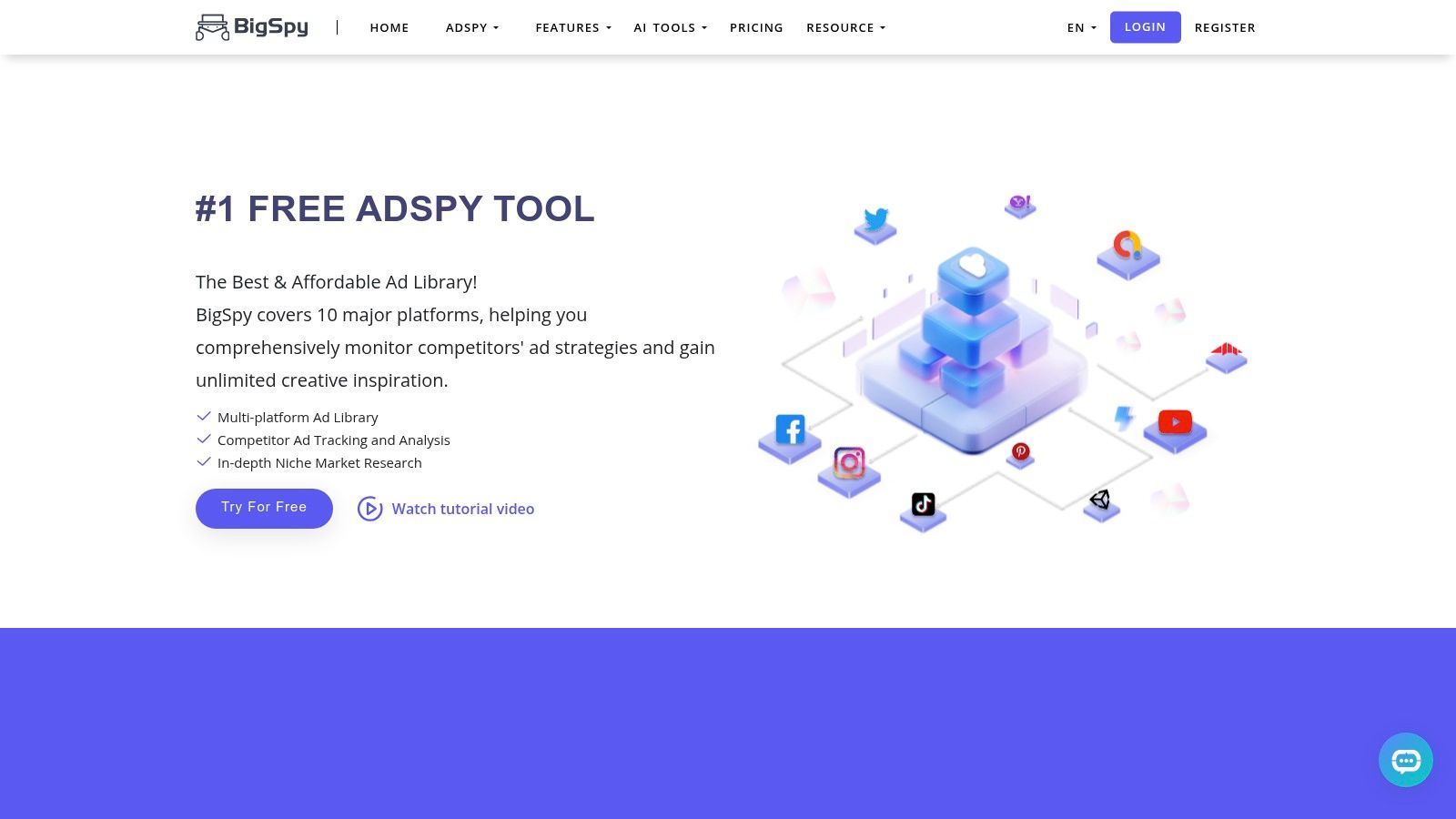
Sometimes you need a broader view of the ad world. BigSpy is a multi-platform ad tool that helps you find saas facebook ads examples while also seeing what's happening on other channels like TikTok and YouTube. This is crucial for SaaS founders who want to understand a competitor's entire digital ad strategy.
It's a huge ad database with great filtering, making it a powerful resource for discovering new creative ideas and successful campaigns.
Why It's a Go-To Resource
BigSpy’s biggest advantage is its wide coverage. By including multiple ad networks, it shows you if a competitor is reusing their successful Facebook video ads on YouTube or TikTok. This insight is valuable for building a marketing strategy that works everywhere.
Its powerful search filters let you find exactly what you’re looking for. You can filter by platform, country, ad format, and even CTA button text. For SaaS companies, this means you can quickly find B2B ads that use a "Sign Up" call-to-action.
Key Takeaway: BigSpy is great for understanding a competitor's complete advertising plan. Its multi-platform database gives you a full view, helping you spot trends and successful ads to adapt for your own campaigns.
How to Use It Effectively
To get the most value from BigSpy, use its advanced filters to cut through the noise.
- Start Broad, then Narrow: Use a general keyword like "CRM software" to see the overall landscape.
- Filter for SaaS Signals: Apply filters to focus your search. Select "Facebook" as the platform, choose "Software" as the industry, and filter for CTAs like "Sign Up."
- Analyze Top Performers: Sort the results by "Likes" or "Shares" to find ads that are resonating with their audience.
Here’s a summary of its features:
| Feature | Description | Benefit for SaaS Founders |
|---|---|---|
| Multi-Platform Database | Access ads from Facebook, TikTok, YouTube, and more. | Get a complete view of a competitor's ad strategy. |
| Advanced Filtering | Filter by keyword, industry, CTA, and ad format. | Quickly find relevant SaaS ad examples and new ideas. |
| Team Collaboration | Higher-tier plans let teams share and analyze ads together. | Useful for marketing teams or agencies. |
| $1 Pro Trial | A 3-day trial for $1 lets you test the premium features. | A low-risk way to see if the tool is right for you. |
A potential downside is that its Facebook-specific filters might be less detailed than tools focused only on Meta. However, its affordable price and large database make it a strong choice.
- Website: https://bigspy.com/
- Pricing: Free plan with limited searches; paid plans offer full access, with a $1 trial.
- Best For: Multi-channel competitive analysis and ad inspiration.
5. PowerAdSpy
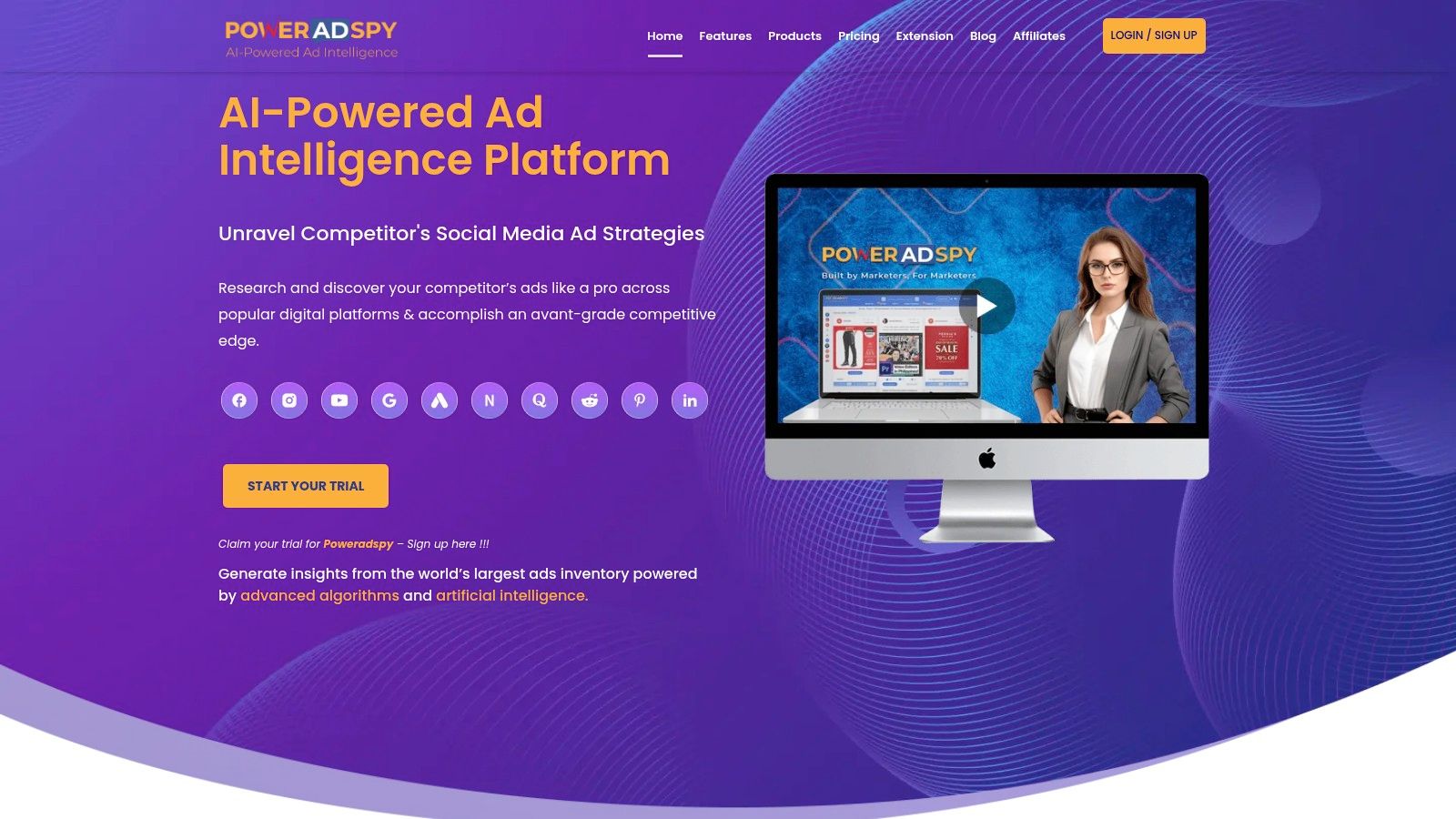
If you need deeper insights into ad performance and targeting, PowerAdSpy is a powerful social media ad intelligence tool. It covers multiple platforms, including Facebook, and offers a strong set of filters for analyzing saas facebook ads examples.
Unlike free tools, PowerAdSpy provides an analytical layer with estimated engagement metrics and targeting data. For SaaS founders, this means you can see not only what competitors are running but also which ads are performing well and who they are targeting. This helps you reverse-engineer successful funnels more effectively.
Why It's a Go-To Resource
PowerAdSpy’s strength is its advanced filtering and multi-platform coverage. While the Meta Ad Library shows you what’s live, PowerAdSpy helps you find historical data and sort ads by engagement and reach. This allows you to quickly identify proven ad concepts.
Its ability to filter by CTA type (e.g., "Sign Up," "Learn More") is a game-changer for SaaS marketers. You can hunt for lead generation ads using video testimonials or find mobile-only creatives, saving hours of manual work.
Key Takeaway: PowerAdSpy adds performance intelligence to ad discovery. It helps you see which competitor ads are likely the most successful, making it a valuable tool for strategic planning.
How to Use It Effectively
To get the most out of PowerAdSpy, use its powerful filters to narrow your search.
- Filter by SaaS Keywords: Use the keyword search to find ads with terms like "CRM" or "HR software."
- Sort by Popularity: Use the engagement filters (likes, shares) to see what’s resonating most with audiences.
- Analyze the Funnel: PowerAdSpy shows the landing page for an ad. Click through to analyze the entire journey from ad to conversion.
Here’s a summary of its features:
| Feature | Description | Benefit for SaaS Founders |
|---|---|---|
| Advanced Filtering | Filter by CTA, device, ad type, and demographics. | Pinpoint exact ad formats used for SaaS lead generation. |
| Multi-Network Support | Covers Facebook, Google, YouTube, and more. | Get a full view of a competitor's cross-channel ad strategy. |
| Competitor Tracking | Set up alerts to monitor specific competitors' ad campaigns. | Stay updated on new campaigns automatically. |
| Estimated Metrics | Provides estimated reach and engagement indicators. | See which ads are likely top performers and worth studying. |
The main downside is that advanced features are locked behind paid tiers. However, its comprehensive feature set makes it a reliable choice for serious competitive intelligence.
- Website: https://poweradspy.com/
- Pricing: Starts from $49/month with free trials on some plans.
- Best For: In-depth competitive analysis and tracking SaaS funnels.
6. Foreplay
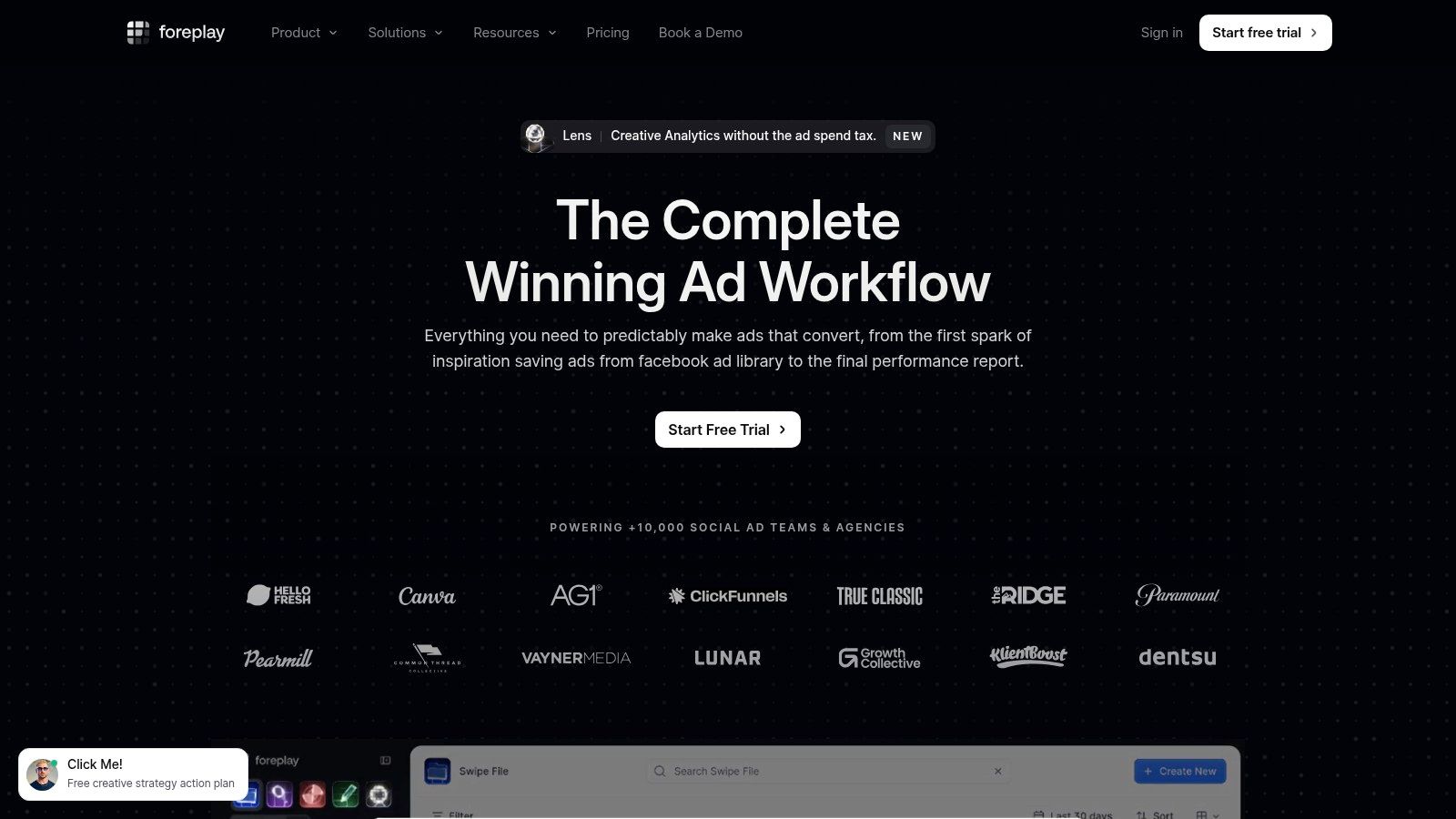
While ad libraries show you what's running, Foreplay is a platform built for saving, organizing, and analyzing those ads. It’s designed for marketing teams who need a system to turn inspiration into real creative strategies.
For SaaS teams, Foreplay is the central place to save saas facebook ads examples, share them with your team, and track your competitors’ ads over time. It combines a huge ad library with powerful organizational tools, making it essential for creative research.
Why It's a Go-To Resource
Foreplay turns ad research from a messy process into a streamlined workflow. Its main strength is the ability to create organized "swipe files" or boards. You can easily save any ad you find, tag it, and add notes for your team.
The platform's Spyder feature offers 24/7 competitor ad tracking, giving you a historical view that the Meta Ad Library doesn't have. This allows you to see how a competitor's ad strategy has changed over time, which is valuable for spotting trends.
Key Takeaway: Foreplay is the best tool for building and managing a collaborative swipe file of SaaS ads. It centralizes inspiration and competitor tracking into one simple workflow, making it perfect for marketing teams.
How to Use It Effectively
To get the most from Foreplay, integrate it into your team’s creative process.
- Build a Master Swipe File: Use the Foreplay Chrome extension to save compelling SaaS ads. Create boards for different categories like "Testimonial Ads" or "Direct Competitors."
- Set Up Competitor Tracking: Use the Spyder feature to automatically monitor your key competitors. Get alerts when they launch a new ad.
- Collaborate on Ad Briefs: When planning a new campaign, share a board of ad examples with your copywriters and designers. Use notes to explain what you like about each ad.
Here’s a summary of its features:
| Feature | Description | Benefit for SaaS Founders |
|---|---|---|
| Community Ad Library | A database of over 70 million ads. | Discover a wide range of creative ideas. |
| Spyder Competitor Tracking | 24/7 monitoring of brands' Meta ads with historical data. | See how competitors' ad strategies evolve over time. |
| Shareable Boards | Organize saved ads into collaborative boards with tags. | Streamline the creative briefing process with your team. |
| Chrome Extension | Save ads from anywhere on the web with one click. | Quickly build your swipe file without hassle. |
The main limitation is that its historical data varies by pricing tier. However, its workflow and collaboration features are unmatched for teams serious about creative performance.
- Website: https://www.foreplay.co/
- Pricing: Starts at $49/month with a free trial.
- Best For: Creative teams, building collaborative swipe files, and tracking competitors.
7. MagicBrief
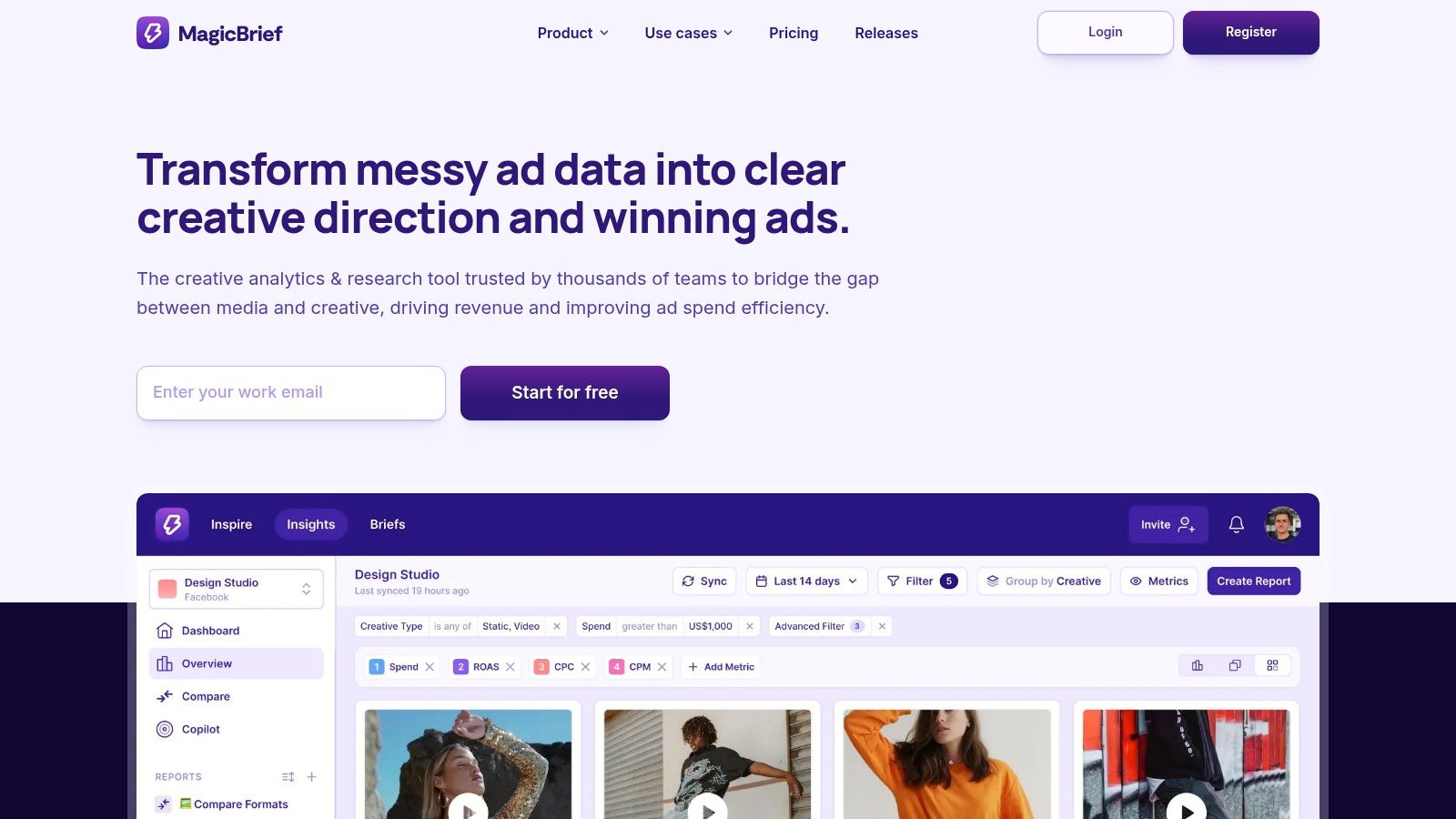
The Meta Ad Library is great, but it’s not designed for saving or organizing ads long-term. MagicBrief solves this by letting you build a permanent, searchable database of the best saas facebook ads examples you find.
Its core is a Chrome extension that lets you save any ad from the Meta Ad Library to your private workspace. This is a game-changer because once an ad stops running, it can disappear. MagicBrief saves it for you, so your inspiration file is never out of date.
Why It's a Go-To Resource
MagicBrief turns ad discovery into structured, actionable intelligence. Instead of taking screenshots, it saves the entire ad with its copy and landing page URL. You can then organize these examples into shareable folders and use AI to break down video ads scene-by-scene.
For SaaS teams, this transforms ad research from a manual process into a simple workflow. You can build libraries for competitor ads or high-performing testimonial ads, making it easy to spot patterns and plan your next campaign.
Key Takeaway: MagicBrief is the perfect tool for building a durable, organized swipe file of SaaS ads. It saves inspiration and adds a powerful layer of AI analysis and team collaboration.
How to Use It Effectively
To get the most from MagicBrief, add it to your research workflow.
- Install the Chrome Extension: This is your main tool.
- Save Winning Ads: When you find a great SaaS ad, use the extension to save it to a folder (e.g., "Competitor A," "UGC Ads").
- Use AI for Analysis: Let MagicBrief's AI automatically tag ads, transcribe copy, and break down video ads. This helps you quickly identify hooks and key messages.
Here’s a summary of its features:
| Feature | Description | Benefit for SaaS Founders |
|---|---|---|
| Ad Saving Extension | Save ads from Meta & TikTok libraries to a private workspace. | Preserves valuable ad examples forever. |
| AI Scene Breakdowns | Automatically analyzes video ads to identify scenes and hooks. | Speeds up creative analysis and helps you learn from winners. |
| Shareable Folders | Organize saved ads into boards and share them with your team. | Streamlines collaboration on creative strategy. |
| Centralized Library | Build a searchable database of ad inspiration with tags. | Creates a single source of truth for your team's research. |
The main limitation is that it relies on you to find and save ads from public libraries. It's not a spy tool on its own. A free plan is available to get started.
- Website: https://magicbrief.com/
- Pricing: Free plan available; paid plans start at $59/month for teams.
- Best For: Building a permanent ad library and collaborating on creative strategy.
Top 7 SaaS Facebook Ad Tools Comparison
| Tool | Implementation Complexity (🔄) | Resource Requirements (⚡) | Expected Outcomes (⭐📊) | Ideal Use Cases (💡) | Key Advantages |
|---|---|---|---|---|---|
| Proven SaaS | Low — ready UI + API 🔄 | Low–Moderate — account/subscription for full access ⚡⚡ | ⭐⭐⭐⭐, 📊 Validated niches, MRR/ARRestimates and ad/spend trends | 💡 Founders/indie hackers needing rapid niche validation | SaaS‑focused dataset, AI URL mapping, unified workflow, API |
| Meta Ad Library (Official) | Very low — browser access via Page Transparency 🔄 | Minimal — free, public access ⚡ | ⭐⭐, 📊 Accurate live creative but limited performance metrics | 💡 Quick checks for what’s currently running on Meta | Authoritative live source, no paywall, compliant |
| AdSpy | Medium — onboarding + learning curve 🔄 | High — paid subscription required ⚡ | ⭐⭐⭐⭐, 📊 Deep Meta creative & audience signals, comment insights | 💡 Media buyers seeking granular Meta/IG research | Very large Meta DB, granular filters, comment/landing‑page search |
| BigSpy | Low–Medium — simple start, multi‑platform UI 🔄 | Low–Moderate — affordable tiers + $1 trial ⚡⚡ | ⭐⭐⭐, 📊 Cross‑channel ad inspiration with filter options | 💡 Agencies/teams needing multi‑platform examples quickly | Cross‑platform coverage, low‑commitment trial, team features |
| PowerAdSpy | Medium — established feature set, many filters 🔄 | Moderate — clear paid plans (monthly/annual) ⚡⚡ | ⭐⭐⭐⭐, 📊 Good for reverse‑engineering funnels and budgets | 💡 Competitor funnel analysis and budget estimation | Wide network coverage, CTA/device filters, budget indicators |
| Foreplay | Medium — workflow+team features to configure 🔄 | Moderate–High — team seats and higher tiers for history ⚡ | ⭐⭐⭐⭐, 📊 Strong creative ops: swipe files, tracking, analytics | 💡 Creative teams building/manage reusable swipe files | Community library, competitor tracking (Spyder), creative analytics |
| MagicBrief | Low–Medium — Chrome extension + platform setup 🔄 | Moderate — extension free, paid tiers for teams ⚡⚡ | ⭐⭐⭐⭐, 📊 Preserves official ads, AI scene breakdowns for briefs | 💡 Building durable, organized ad libraries from official sources | Save from Ad Library/TikTok, AI tagging, shareable folders |
Your Blueprint for High-Performing SaaS Ads
We've explored a powerful collection of SaaS Facebook ads examples, from the raw data of the Meta Ad Library to the strategic insights from tools like AdSpy and Proven SaaS. The main lesson is clear: successful SaaS advertising isn't about reinventing the wheel. It's about breaking down what already works and adapting those proven formulas to your product.
Instead of staring at a blank page, you now have a blueprint. You've seen how top SaaS companies show their value, highlight customer pain points, and present great offers. These patterns are clear and can be copied, giving you a huge head start.
Key Takeaways: From Examples to Execution
As you plan your next campaign, keep these simple principles in mind. They are the common threads in nearly every successful ad.
- Focus on Pain Points, Not Features: Your audience buys solutions to their problems. The best ads lead with the customer's pain and then present the product as the perfect solution.
- Clarity Beats Cleverness: Confusing copy kills conversions. Your headline, text, and visuals must communicate your value in seconds. Simple language and direct promises always work better than jargon.
- The Offer is Everything: A free trial, a demo, or a discount is the engine of your ad. Your offer must be compelling enough to make someone stop scrolling and take action.
- Social Proof is Your Superpower: Testimonials, user counts, and logos of well-known clients build instant trust. Even simple screenshots of positive reviews can make an ad much more effective.
Choosing Your Ad Intelligence Toolkit
The tools we covered serve different needs. Your choice depends on your budget and goals.
- For Bootstrapped Founders: Start with the Meta Ad Library. It's free and perfect for initial competitive research.
- For In-Depth Analysis: Tools like AdSpy, BigSpy, and PowerAdSpy offer advanced filtering and a huge database for tracking competitors.
- For Creative Workflow: Foreplay and MagicBrief help you save, organize, and get inspired by the best ad creatives.
- For Strategic Validation: Proven SaaS is your shortcut. It focuses on finding profitable SaaS niches backed by real ad data, perfect for founders looking for their next idea.
Ultimately, studying SaaS Facebook ads examples is the fastest way to shorten your learning curve and reduce wasted ad spend. You are no longer guessing. You have a proven path, successful models, and powerful tools to guide you. Take these insights, adapt the strategies, and start building campaigns with confidence.
Tired of sifting through thousands of random ads? Proven SaaS does the heavy lifting for you by curating profitable SaaS niches and the exact ad strategies that are working for them right now. Stop guessing and start building with a validated blueprint by visiting Proven SaaS to find your next winning idea.
Build SaaS That's
Already Proven.
14,500+ SaaS with real revenue, ads & tech stacks.
Skip the guesswork. Build what works.
Trusted by 1,800+ founders


